Scan Documents Online — Free Private PDF Scanner with OCR
Scan documents to PDF in your browser — free, private, and no upload. Camera scan, OCR searchable PDFs, plus edit, merge, sign, and convert. Works on phone and desktop.
Your files never leave your device. No uploads. No sign-up. No watermark.
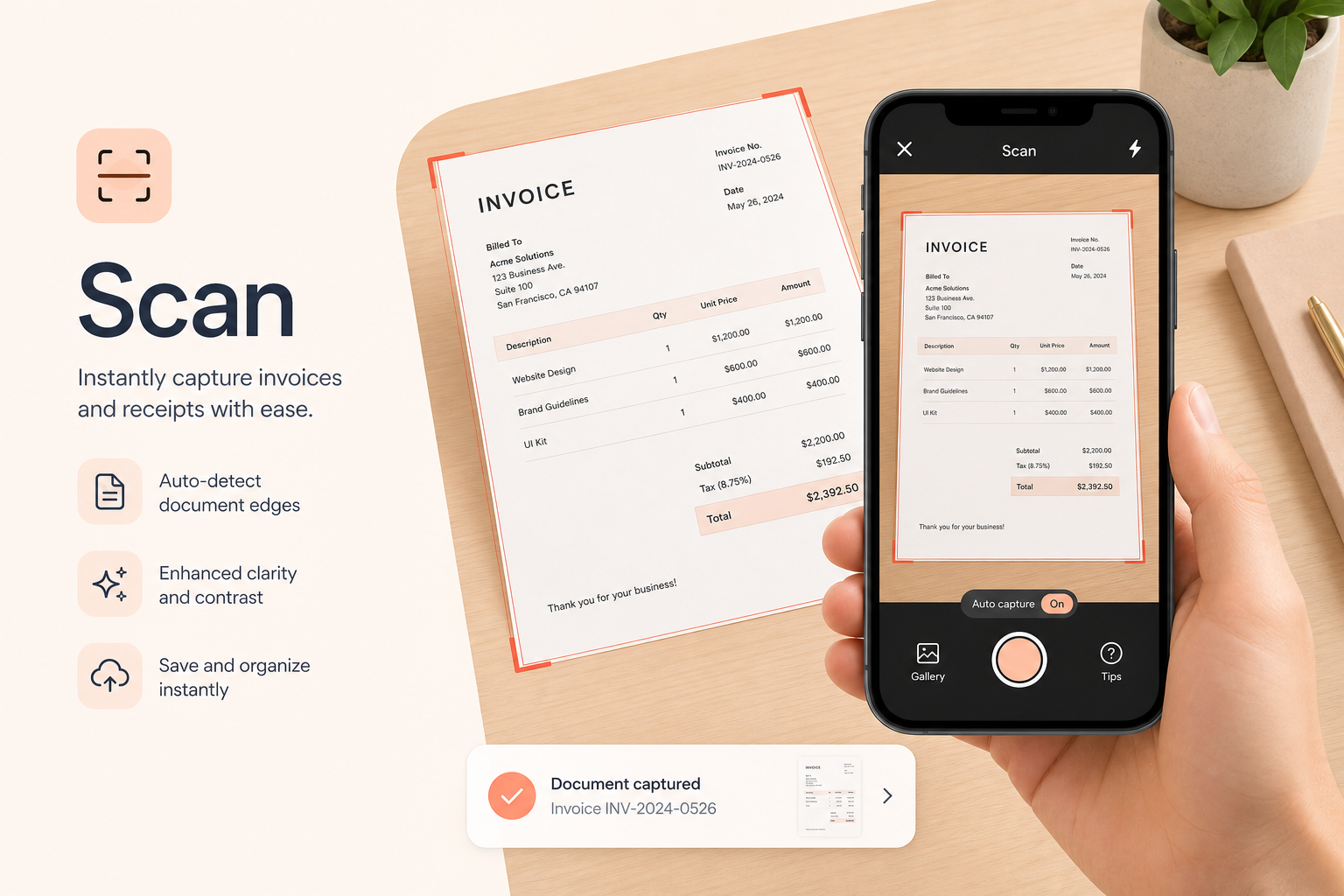
Why browser-based scanning is safer
Most “scan online” tools ask you to upload photos or PDFs to a remote server. That creates copies you don’t control — on someone else’s disk, in a processing queue, or in a backup you never see. PDF Scanner takes the opposite approach: your files never leave your device for core scanning and editing workflows.
Browser-based, on-device processing means the camera frame, crop, enhance filters, OCR, and PDF generation happen locally whenever possible. There’s no mandatory account, no “upload to convert” step, and no need to trust a third-party vault just to digitize a receipt or contract.
That model matters for passports, bank statements, medical forms, and anything covered by workplace confidentiality rules. You get the convenience of an online document scanner with the control of software that runs on your own phone or computer.
- No uploads for scanning, editing, OCR, and conversion
- No tracking of document contents to process your file
- No sign-up wall before you can scan
- Runs entirely in your browser — or in our native apps
Why OCR matters for scanned PDFs
A plain camera photo of a page is just pixels. You can’t search it, copy a quote, or paste an invoice number into a spreadsheet without retyping. Optical character recognition (OCR) reads printed text from the scan and makes that text available — for copy/paste or as a searchable PDF.
PDF Scanner’s OCR runs on your device after a one-time language model download. Use it when you need to find “invoice 1042” across a folder of scans, extract amounts from receipts, or turn lecture notes into text you can edit. Pair scanning with OCR and your paper archive becomes something you can actually query.
OCR quality depends on lighting, focus, and contrast. Flat pages, even light, and a quick enhance pass before recognition usually beat a skewed, shadowy phone shot. For handwriting, results vary — printed forms and receipts are the sweet spot.
Who should use PDF Scanner
PDF Scanner is built for anyone who needs a private online document scanner without installing heavyweight desktop software — and without sending sensitive pages to the cloud by default.
- Students scanning homework, notes, and forms
- Freelancers and small businesses digitizing invoices and receipts
- Accountants and bookkeepers building expense archives
- Professionals sharing contracts, IDs, and signed agreements
- Anyone who wants camera-to-PDF on phone or desktop — free and private
PDF Scanner vs mobile scanner apps
Apps like CamScanner, Adobe Scan, and Microsoft Lens are strong mobile scanners. They shine when you want a polished native camera UI and cloud sync across devices. The trade-off is usually an install, an account ecosystem, and documents that may leave the phone for processing or backup.
PDF Scanner is different by design: open the website, scan in the browser, and keep processing local. You also get 20+ PDF tools in the same place — merge, split, compress, sign, watermark, enhance, and convert — without jumping between apps. Prefer native? Our iOS and Android apps are available too.
Choose a cloud-first app when you want automatic sync everywhere. Choose PDF Scanner when the priority is: your files never leave your device, no sign-up, and a full private PDF toolkit in one browser tab. See our comparison guides for CamScanner, Adobe Scan, and Microsoft Lens.
Best practices for clear document scans
Great scans start before you tap the shutter. Small changes in lighting and framing dramatically improve readability and OCR accuracy.
- Place the page on a flat, contrasting background
- Use even light — avoid harsh shadows and window glare
- Hold the camera parallel to the paper to reduce skew
- Fill the frame with the page, then crop cleanly
- Apply enhance / grayscale / B&W when ink looks washed out
- Capture multi-page sets in order, then reorder if needed
- Run OCR only after the page looks sharp and high-contrast
Common use cases
People use PDF Scanner as a daily driver for paper that still shows up in real life — even in a digital workplace.
- Receipt and expense tracking before tax season
- Invoice packets for freelancers and vendors
- Passport and ID copies for travel or KYC (kept private on-device)
- Homework and lecture notes as multi-page PDFs
- Contracts ready to sign electronically in the browser
- Bank and tax documents prepared for secure portals
- Combining phone photos into one shareable PDF
Privacy first — our clearest promise
Competitors often say “upload your PDF.” Our message is simpler and stronger: your files never leave your device. No uploads. No sign-up required to scan. No watermark. Core tools run entirely in your browser.
That privacy-first positioning is why PDF Scanner exists alongside bigger brands. When the document is confidential, local processing isn’t a nice-to-have — it’s the reason to choose a browser scanner over a cloud pipeline. You’ll see that promise across our guides for receipts, invoices, IDs, OCR, and searchable PDFs — because it’s the same product principle everywhere.
Frequently asked questions
Is PDF Scanner free?
Yes. Scan documents online, create PDFs, run OCR, and use every tool without an account, subscription, or watermark.
Do I need to create an account?
No. Open the site and start scanning or editing immediately — no sign-up required.
Are my files uploaded to a server?
No. Your files never leave your device for scanning, editing, OCR, and conversion. Processing runs in your browser whenever possible — no uploads, no cloud queue.
Can I scan documents with my phone?
Yes. PDF Scanner works in mobile browsers on Android and iPhone. Use your camera to capture pages, enhance them, and download a PDF.
Can I scan receipts and invoices?
Yes. Receipts, invoices, expense reports, contracts, and similar paper documents are supported. You can also combine photos into one multi-page PDF.
Does it support OCR?
Yes. On-device OCR extracts printed text so you can create searchable, selectable PDFs. A small language model downloads the first time; after that recognition runs locally.
What is a searchable PDF?
A searchable PDF includes a text layer so you can use Find (Ctrl/Cmd+F) or desktop search to locate words inside a scan — instead of reading every page by eye.
Can I scan ID cards and passports?
Yes. Use the camera scanner for passports, driver's licenses, national ID cards, and similar documents, then download a clean PDF. Because processing is local, sensitive IDs stay on your device.
Do I need to install software?
No installation is required — it works in any modern browser. You can optionally install it as a PWA, or use the iOS and Android apps from Everline Technologies.
How is this different from CamScanner or Adobe Scan?
Those apps are excellent mobile scanners, but they typically require installs and often sync or process documents through accounts and cloud services. PDF Scanner runs in the browser with a no-upload model — your files stay on your device.
Can I scan multiple pages into one PDF?
Yes. Capture page after page, reorder if needed, and download a single multi-page PDF — ideal for contracts, homework, and invoice packets.
Can I edit PDFs after scanning?
Yes. After you scan, use the Edit PDF Studio plus tools to merge, split, compress, sign, watermark, enhance, and convert — all in the same private workspace.
Does OCR work offline?
OCR downloads a small language model the first time you use it. After that, text recognition can run on your device without sending document images to a server.
Is there a watermark on free scans?
No. PDF Scanner does not stamp watermarks on your downloaded PDFs.
Which browsers are supported?
Any modern browser — Chrome, Safari, Firefox, Edge, and others on Windows, macOS, Linux, ChromeOS, Android, and iOS.
Can I convert images to PDF without the camera?
Yes. Use Photos to PDF / Image to PDF to combine JPG, PNG, and other images you already have into one document.
Is PDF Scanner safe for confidential documents?
Privacy is the design goal: no mandatory account and no unnecessary cloud uploads. Contracts, medical forms, tax papers, and IDs are processed locally in the browser whenever possible.
Where can I get the mobile apps?
PDF Scanner is also available on the App Store and Google Play from Everline Technologies if you prefer a native app alongside the web tools.